Posted on Leave a comment

Massive DTRPG 50% Off Sale

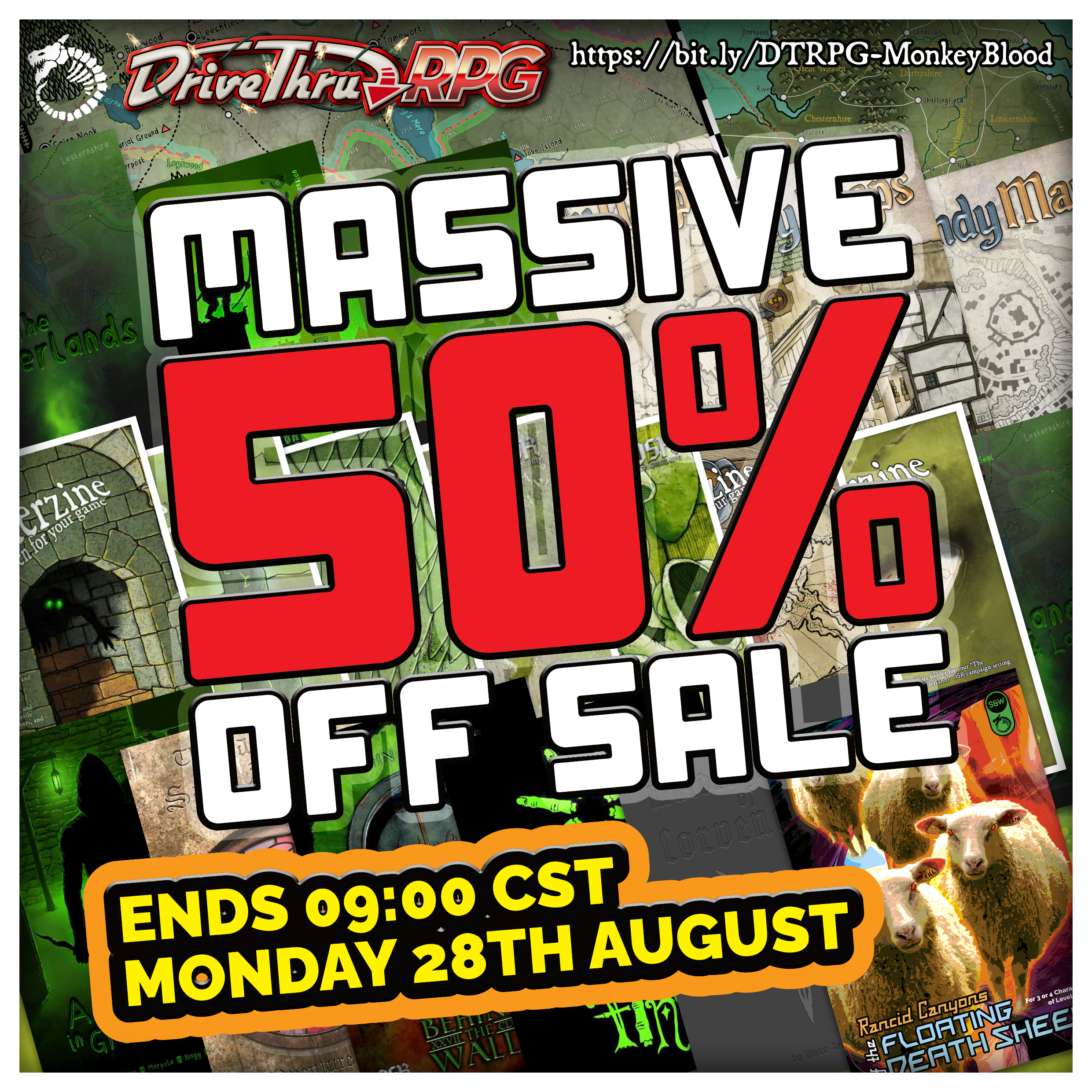
We are having a MASSIVE 50% OFF sale over at DTRPG!

bit.ly/DTRPG-MonkeyBlood

I don’t run sales on DriveThruRPG very often, but this is a BIG one! Don’t miss out on some highly-acclaimed and award-winning gaming material including ENnie Award-winning and nominated titles.
Ends 09:00 CST on Monday 28th August 2023. Get them while they are HOT, HOT, HOT!

The following titles are included!

Setting Materials

  • The Midderlands – OSR Bestiary and Setting ENnie winning
  • The Midderlands Expanded ENnie nominated
  • The City of Great Lunden
  • The Midderlands – Rivers & Lakes
  • Midderzine Issue 1
  • Midderzine Issue 2
  • Midderzine Issue 3
  • Midderzine Issue 4
  • Midderzine Issue 5
  • Midderzine Issue 6
  • Midderzine Issue 7
  • Ascoleth: The Last Great City

Map Symbols & Icons

  • Havenland Fantasy Map Icon/Symbol Set/Pack
  • Narrasil Fantasy Map Icon/Symbol Set/Pack
  • Neath 3D Dungeon Map Components for SketchUp
  • Myrklund Fantasy Overland Map Icon/Symbol Set/Pack
  • Murder Knights of Corvendark

HandyMaps

  • HandyMaps – Towns & Villages
  • HandyMaps – Buildings & Structures
  • HandyMaps – Dungeons, Caves & Strange Locales ENnie nominated

Adventures

  • Behind The Walls
  • Adventures in Great Lunden
  • Chewer of Fingers
  • The Bats of Saint Abbans – Books 1, 2 and 3 plus the Adventure Aid Cards
  • Rancid Canyons of the Floating Death Sheep (Swords & Wizardry, 5E and DCC versions)

YouTube Content from MonkeyBlood Design

We have really leant into the YouTube content which is hopefully the start of a wider push to create YouTube content rather than having multiple social media apps.

We’ll still keep Facebook and Twitter, but everything else is up in the air, so the best way to keep in touch if you don’t use those is to join our infrequent newsletter (fill out the details below) and/or follow our YouTube channel!

Go back

Your message has been sent

Warning
Warning
Warning.

Here’s a selection of our recent content:

That’s it for now. Thanks for your support.

Glynn

Posted on Leave a comment

DTRPG 50% Off | YouTube Content | CaptCorajus Review

Lots of things to tell you about on the blog post today! Hopefully, the shape of things to come in 2023.

DriveThruRPG Massive 50% Off Sale

We are having a MASSIVE 50% OFF sale!
I don’t run sales on DriveThruRPG very often, but this is a BIG one! Don’t miss out on some highly-acclaimed and award-winning gaming material including ENnie Award-winning and nominated titles.
Ends 7th January 2023. Get them while they are HOT, HOT, HOT!

The following titles are included!

Setting Materials

  • The Midderlands – OSR Bestiary and Setting ENnie winning
  • The Midderlands Expanded ENnie nominated
  • The City of Great Lunden
  • The Midderlands – Rivers & Lakes
  • Midderzine Issue 1
  • Midderzine Issue 2
  • Midderzine Issue 3
  • Midderzine Issue 4
  • Midderzine Issue 5
  • Midderzine Issue 6
  • Midderzine Issue 7
  • Ascoleth: The Last Great City

Map Symbols & Icons

  • Havenland Fantasy Map Icon/Symbol Set/Pack
  • Narrasil Fantasy Map Icon/Symbol Set/Pack
  • Neath 3D Dungeon Map Components for SketchUp
  • Myrklund Fantasy Overland Map Icon/Symbol Set/Pack
  • Murder Knights of Corvendark

HandyMaps

  • HandyMaps – Towns & Villages
  • HandyMaps – Buildings & Structures
  • HandyMaps – Dungeons, Caves & Strange Locales ENnie nominated

Adventures

  • Behind The Walls
  • Adventures in Great Lunden
  • Chewer of Fingers
  • The Bats of Saint Abbans – Books 1, 2 and 3 plus the Adventure Aid Cards
  • Rancid Canyons of the Floating Death Sheep (Swords & Wizardry, 5E and DCC versions)

YouTube Content from MonkeyBlood Design

We have really leant into the YouTube content which is hopefully the start of a wider push to create YouTube content rather than having multiple social media apps.

We’ll still keep Facebook and Twitter, but everything else is up in the air, so the best way to keep in touch if you don’t use those is to join our infrequent newsletter (fill out the details below) and/or follow our YouTube channel!

Go back

Your message has been sent

Warning
Warning
Warning.

Here’s a selection of our recent content:

CaptCorajus’ Review of The Midderlands Expanded

The brilliant Dave Wile took a look at The Midderlands Expanded and scored it a COLOSSAL 59/60! You can combine this with the massive DTRPG sales above and snag the glorious Midderlands settings for a pocket full of change!

Watch the video review of The Midderlands Expanded here, and remember to thumbs up the vid and subscribe to the captcorajus channel!

That’s it for now, so have a Happy New Year and see you in 2023.

Glynn

Posted on Leave a comment

Simple Tomb Lid Art (Tutorial)

This is a short tutorial to help show the various stages I tend to use to make colour art. I used ArtRage 5 for this, but you could just as easily use Photoshop or Gimp as the terms used are generally common.

Tomb Lid
Hey, I’m a GIF…

So, let’s start.

Stage 1 – Line Art

Create a layer, call it Stage 1. Create a simple outline of the piece on that layer. Easy.

Tomb Lid (1)

Stage 2 – Base Colour

Create another layer (Stage 2) underneath the Stage 1 layer. Select a colour. Grey in this case, and colour it in.

Tomb Lid (2)

Stage 3 – Dark Textures

Create another layer (Stage 3) between Stage 1 and 2’s layers.

I select the Stage 2 layer, then use the magic wand to select the whole of the Stage 2 layer. Then with the selection highlighted, select the Stage 3 layer. This gives me a good boundary for the texture without needing to tidy up after.

I have a couple of textures I use for this, but use what you can find which you think might look good. I then select a darker shade of the base colour, maybe even some green for lichen effect, and dab it on.

Tomb Lid (3)

Stage 4 – Light Textures

Create another layer (Stage 4) on top of Stage 3’s layer.

Basically, the same as the work we did on Stage 3 layer, but we use a lighter shade of the base colour, or white spots or something.

Tomb Lid (4)

Stage 5 – Shadows

Create a new layer (Stage 5). This can be anywhere. Set the layer to Multiply, and opacity to around 50%. Use black as your colour.

Decide where the light is coming from (and stick to it going forward), and then start adding shadow to areas that would be in shadow from the light source position.

Tomb Lid (5)

Stage 6 – Highlights

Create a new layer (Stage 6). This can be anywhere. Set the layer to Overlay, and opacity to around 50%. Use white as your colour.

Based on where the light was coming from in Stage 5, start adding highlights to all edges and faces that would receive highlight from the light source position.

Tomb Lid (6)

Stage 7 – Engraving

Okay, let’s get funky.

Create a new layer (Stage 7), and it can go on top of all the other layers. Set it to Multiply. Use the base colour from Stage 2, and using a pen type brush write your engraving on the art.

Then we need to apply some layer effects. You will want Emboss (inside). You will need to adjust the light position, so that it correctly follows the light source decision you made in Stage 5/6.

Tomb Lid (7)

Stage 8 – A bit of extra detail

Back to the Stage 1 layer and add some extra bits and bots for good luck.

Tomb Lid (8)